Adding Swagger or Scalar to .NET 10 APIs

Reading Time: 5 minutes
Problem
If you create a new Web API in .NET 10, one of the first surprises is that Swagger is no longer part of the default template experience.
That does not mean .NET 10 removed OpenAPI support from ASP.NET Core itself. What changed is the default tooling story:
- the template no longer assumes Swagger UI should be included automatically
- the framework leans more toward built-in OpenAPI generation
- teams now need to choose their API documentation UI explicitly
That is a reasonable change, but it creates friction for developers who are used to pressing F5 and immediately seeing an interactive API explorer.
In practice, most teams want one of two things:
- Swagger UI because it is familiar, widely adopted, and easy to add
- Scalar because it offers a cleaner, more modern API reference experience on top of OpenAPI
Solution
You have two solid options in .NET 10:
- Add Swagger back with
Swashbuckle.AspNetCore - Keep the built-in OpenAPI document generation and add Scalar as the UI layer
Both approaches work. The better choice depends on what you optimize for.
- Choose Swagger if your team wants the most familiar, conventional setup with minimal explanation.
- Choose Scalar if you want a more polished documentation experience and are happy to adopt a newer UI.
Description
What actually changed in .NET 10?
The key nuance is accuracy:
- OpenAPI support is still available in ASP.NET Core
- Swagger UI is just no longer included by default in the template
So the task is not “work around a missing platform feature.” It is simply “choose the UI and wiring you want.”
Option 1: Add Swagger back
Install the package:
dotnet add package Swashbuckle.AspNetCoreUpdate Program.cs:
var builder = WebApplication.CreateBuilder(args);

builder.Services.AddEndpointsApiExplorer();
builder.Services.AddSwaggerGen();

var app = builder.Build();

if (app.Environment.IsDevelopment())
{
    app.UseSwagger();
    app.UseSwaggerUI();
}

app.MapGet("/weather", () =>
{
    return TypedResults.Ok(new[]
    {
        new WeatherForecast(DateOnly.FromDateTime(DateTime.Today), 22, "Sunny"),
        new WeatherForecast(DateOnly.FromDateTime(DateTime.Today.AddDays(1)), 18, "Cloudy")
    });
})
.WithName("GetWeather");

app.Run();

public sealed record WeatherForecast(DateOnly Date, int TemperatureC, string Summary);
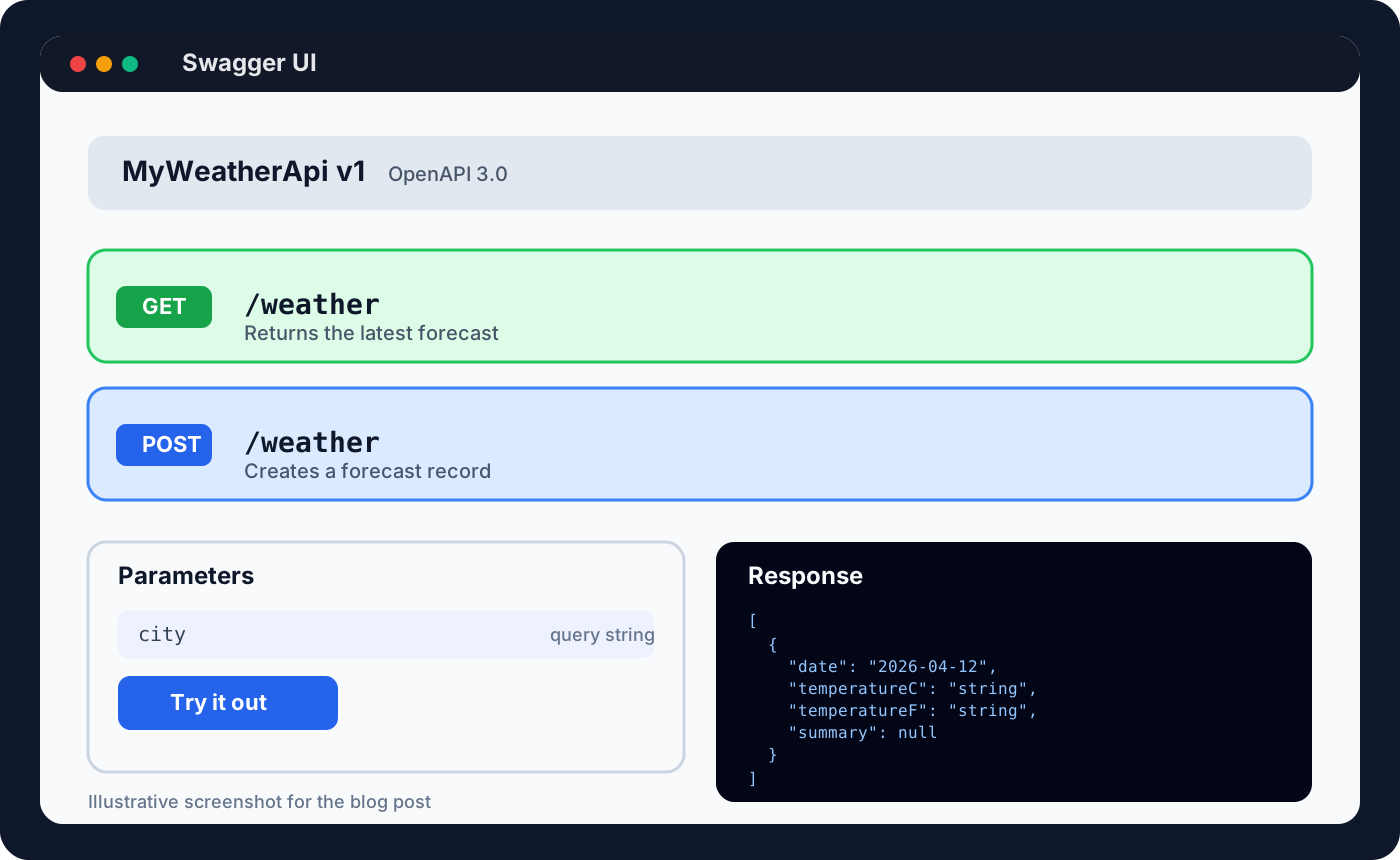
Swagger UI will then be available at /swagger.
Example Swagger UI screen:
Why teams still choose Swagger
- almost every .NET developer has seen it before
- fast to add and easy to explain
- strong ecosystem familiarity across tutorials, teams, and internal platforms
- good enough for internal APIs and development environments
Swagger drawbacks
- the UI looks dated compared with newer API reference tools
- it is functional, but not especially polished for public-facing documentation
- customization can feel more utilitarian than elegant
Option 2: Add Scalar instead
Scalar works well with the built-in OpenAPI support in modern ASP.NET Core.
Install the package:
dotnet add package Scalar.AspNetCoreUpdate Program.cs:
using Scalar.AspNetCore;

var builder = WebApplication.CreateBuilder(args);

builder.Services.AddOpenApi();

var app = builder.Build();

if (app.Environment.IsDevelopment())
{
    app.MapOpenApi();
    app.MapScalarApiReference();
}

app.MapGet("/weather", () =>
{
    return TypedResults.Ok(new[]
    {
        new WeatherForecast(DateOnly.FromDateTime(DateTime.Today), 22, "Sunny"),
        new WeatherForecast(DateOnly.FromDateTime(DateTime.Today.AddDays(1)), 18, "Cloudy")
    });
})
.WithName("GetWeather");

app.Run();

public sealed record WeatherForecast(DateOnly Date, int TemperatureC, string Summary);
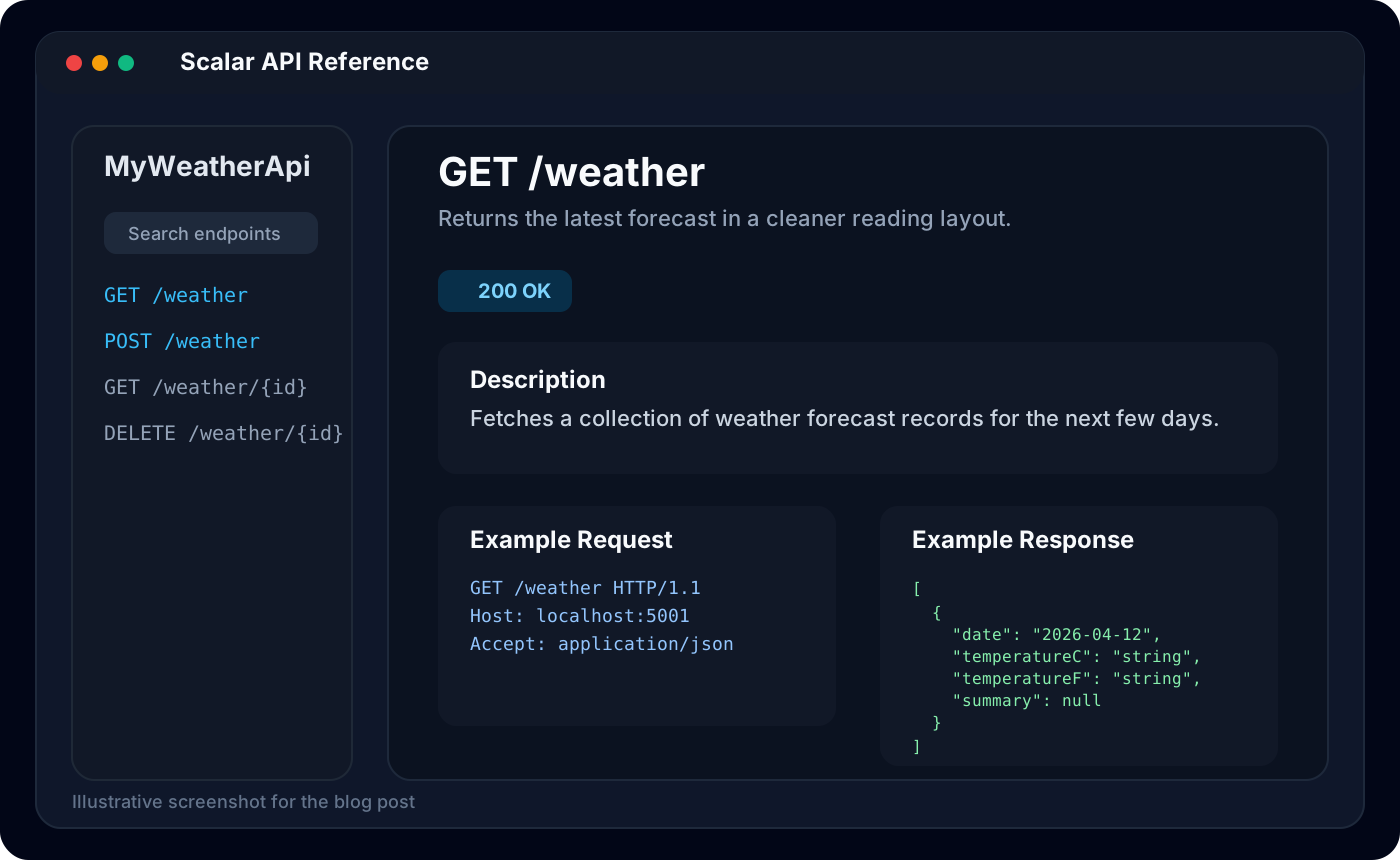
By default, Scalar serves its API reference UI at /scalar, while the OpenAPI document is exposed separately.
Example Scalar screen:
Why teams choose Scalar
- the UI is cleaner and more modern
- the reading experience is better for larger APIs
- it feels closer to a real documentation product than a dev utility
- it pairs naturally with built-in OpenAPI generation in newer ASP.NET Core apps
Scalar drawbacks
- it is newer, so some teams are less familiar with it
- internal docs and onboarding material may still assume Swagger
- if your whole organization standardizes on Swagger, introducing a second UI may not be worth it
Swagger vs Scalar
| Area | Swagger | Scalar |
|---|---|---|
| Familiarity | Extremely common in .NET teams | Less universal, but growing |
| Setup | Very simple | Also simple, especially with built-in OpenAPI |
| Visual polish | Functional | Stronger UI and reading experience |
| Best fit | Internal tools, quick setup, standard dev workflows | Public docs, modern portals, cleaner API reference |
| Ecosystem expectations | Very well understood | Newer choice, may need explanation |
Pros and cons in plain terms
Use Swagger when:
- you want the fastest path back to the experience your team already knows
- your API docs are mainly for internal developers
- consistency with existing services matters more than presentation polish
Use Scalar when:
- you want your API docs to feel more intentional and easier to read
- you are already using built-in OpenAPI support in ASP.NET Core
- developer experience for consumers matters enough to justify a nicer UI
A pragmatic recommendation
For most internal enterprise APIs, Swagger is still the safest default because everyone knows it and setup is nearly trivial.
For APIs where documentation quality matters more, or where you want a cleaner modern reference experience, Scalar is often the better choice.
If you are starting fresh on .NET 10 and do not have historical baggage, Scalar is worth serious consideration.
Summary
.NET 10 did not remove your ability to document APIs. It removed the assumption that Swagger should always be prewired in the template.
That leaves you with a better explicit choice:
- add Swagger if you want familiarity and convention
- add Scalar if you want a cleaner documentation experience on top of OpenAPI
Both are valid. The right answer depends less on the framework and more on your audience.